


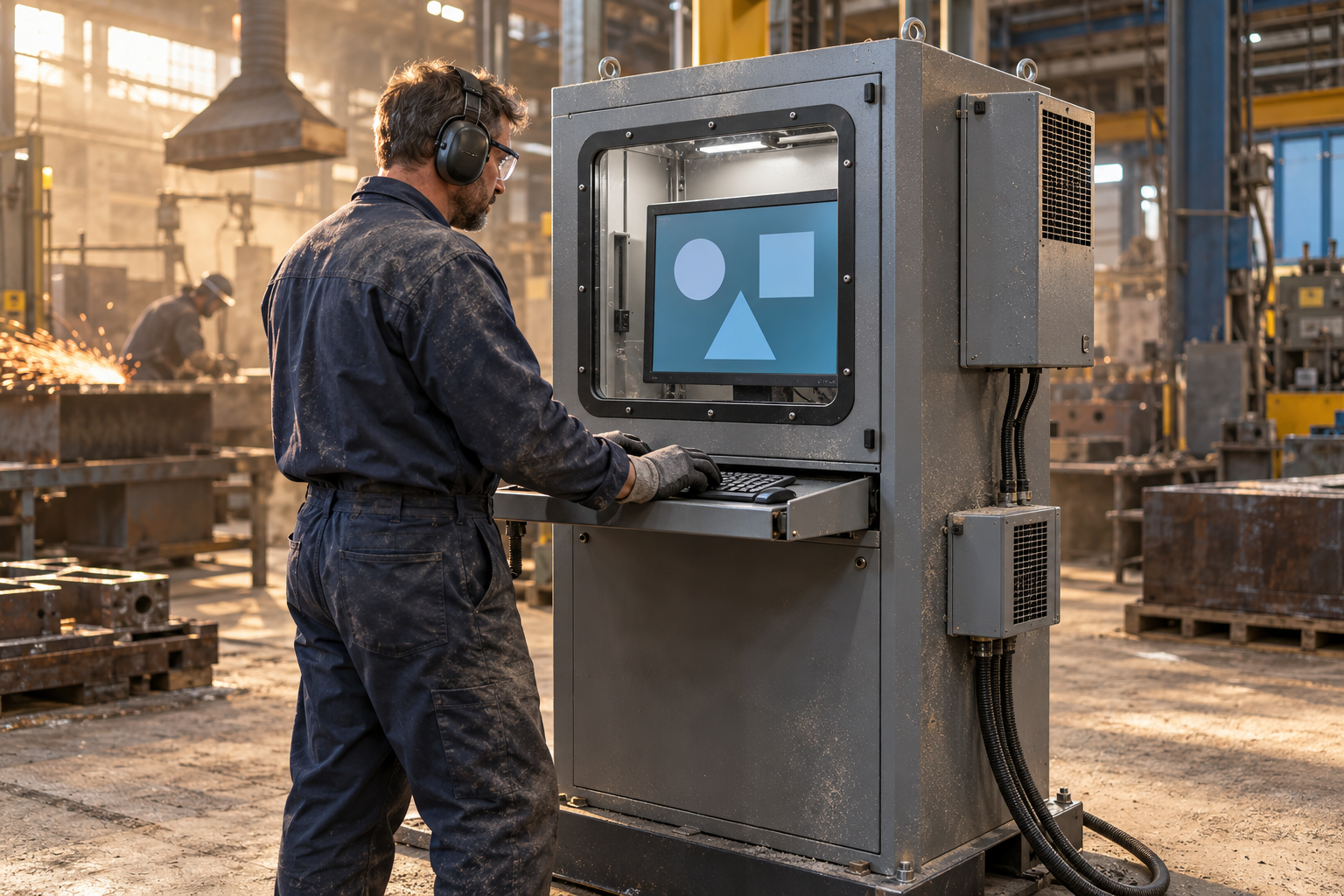
When I walk through a production area where cutting, sanding, packaging, grinding, woodworking, powder handling, or material transfer takes place, I often notice that the computer station becomes the quietest but most vulnerable part of the process, because operators depend on the screen for work orders, quality records, machine data, recipes, maintenance instructions, and traceability, while fine particles slowly settle around ventilation openings, keyboard gaps, cable entries, monitor edges, and power components. 🖥️🏭 A standard office computer may continue working for a while in this environment, yet dust accumulation can restrict airflow, retain heat, contaminate connectors, reduce visibility, complicate cleaning, and increase unplanned interruptions, which is why an industrial computer cabinet should be treated as part of production infrastructure rather than as ordinary furniture. In my experience, the most successful projects begin with a realistic assessment of the dust, temperature, cleaning routine, operator behavior, equipment dimensions, and access requirements, and this is the practical perspective that Detay Industry brings to the design of protective industrial storage and workstation solutions.
Why Dust Creates More Than a Cleaning Problem
Dust is not a single material with one predictable behavior, because textile fibers, wood particles, cement dust, plastic powder, flour, metal particles, carbon based residues, and general factory dirt differ in conductivity, abrasiveness, moisture response, combustibility, and particle size. A cabinet that performs well in a dry assembly hall may be unsuitable beside a grinding line or in an area cleaned with water, so I always recommend identifying what the dust is, how it becomes airborne, where it accumulates, whether it carries oil or moisture, and whether the workplace has been classified as a hazardous location. The International Electrotechnical Commission explains that the IP system defined through IEC 60529 grades enclosure resistance against the intrusion of solid foreign objects and liquids, while the NEMA enclosure type guidance describes protection for particular environmental conditions, and these systems should be selected through the applicable standard and risk assessment rather than treated as casually interchangeable labels.
This distinction matters because the cabinet is only one layer of protection, and a rating does not automatically make the complete installation suitable after installers cut openings, add fans, route cables, replace seals, or mount accessories. Every penetration can become a small doorway for contamination, rather like leaving one window open during a sandstorm while carefully sealing every other part of the building. 🌬️ The enclosure body, doors, viewing window, cable glands, filters, cooling equipment, locks, gaskets, and mounting method should therefore function as one system. A well planned cabinet can also connect naturally with surrounding rack systems, parts storage, document areas, and production furniture without blocking material flow or creating difficult cleaning zones.
Choose the Protection Level from the Real Environment
I prefer to begin with a site survey rather than choosing a cabinet from a photograph, because the same production hall can contain several micro environments. A computer station near a closed assembly cell may face light settling dust, while another station ten metres away beside a cutting process may receive continuous airborne contamination and occasional impact from chips. IEC guidance explains that the first numeral in an IP rating relates to protection from solid objects and dust, while the second relates to water, and NEMA guidance lists indoor enclosure types such as Type 12 and Type 13 for defined conditions involving dust, dirt, dripping liquids, and in some cases oil or coolant. These classifications are useful decision tools, but the designer must verify the precise tested construction and the needs of the location, because NEMA and IP designations do not create a simple one to one conversion.
| Planning Question | What to Examine | Why It Matters |
|---|---|---|
| What kind of dust is present? | Particle size, conductivity, abrasiveness, moisture, oil content, and combustibility | Different dusts require different sealing, cleaning, and safety decisions |
| How is the area cleaned? | Dry wiping, vacuuming, compressed air, low pressure washing, or chemical cleaning | The cleaning method affects enclosure, gasket, window, and corrosion requirements |
| How much heat is generated? | Computer power, monitor, power supplies, internal devices, ambient temperature, and process heat | A tightly sealed cabinet can trap heat unless thermal management is planned |
| How does the operator work? | Standing or seated use, glove use, viewing distance, keyboard frequency, and shift duration | Protection should not create awkward posture or slow interaction |
| Is the dust combustible? | Process hazard analysis, area classification, dust testing, and approved equipment requirements | Ordinary dust protection is not the same as approval for a hazardous location |
I use this table as a conversation starter with production, maintenance, occupational safety, and IT teams, because each department sees a different part of the problem. Maintenance may focus on filter access, IT may focus on temperature and cable connections, operators may focus on screen visibility, and safety specialists may focus on ignition risks and area classification. Bringing these views together early prevents the familiar situation where a cabinet is mechanically strong but thermally weak, technically sealed but ergonomically uncomfortable, or easy to operate but unsuitable for the dust hazard.
Control Heat Without Pulling Dust Inside
A sealed cabinet protects electronics from dirty ambient air, but computers, monitors, power supplies, network devices, and uninterruptible power systems release heat, so sealing without thermal calculation can simply exchange a dust problem for an overheating problem. Rittal’s official climate control guidance notes that ambient air cooling through fans and filters works best when the surrounding air is relatively clean and cooler than the desired enclosure temperature, while cooling units with separate internal and external air circuits can maintain enclosure temperature without drawing dusty ambient air directly through the protected space. This principle is essential in dusty production areas, and I normally calculate the expected internal heat load, maximum ambient temperature, allowable equipment temperature, cabinet surface area, door opening frequency, and maintenance conditions before selecting natural convection, filtered ventilation, an air to air heat exchanger, an air to water solution, or a closed circuit cooling unit. ❄️🔥
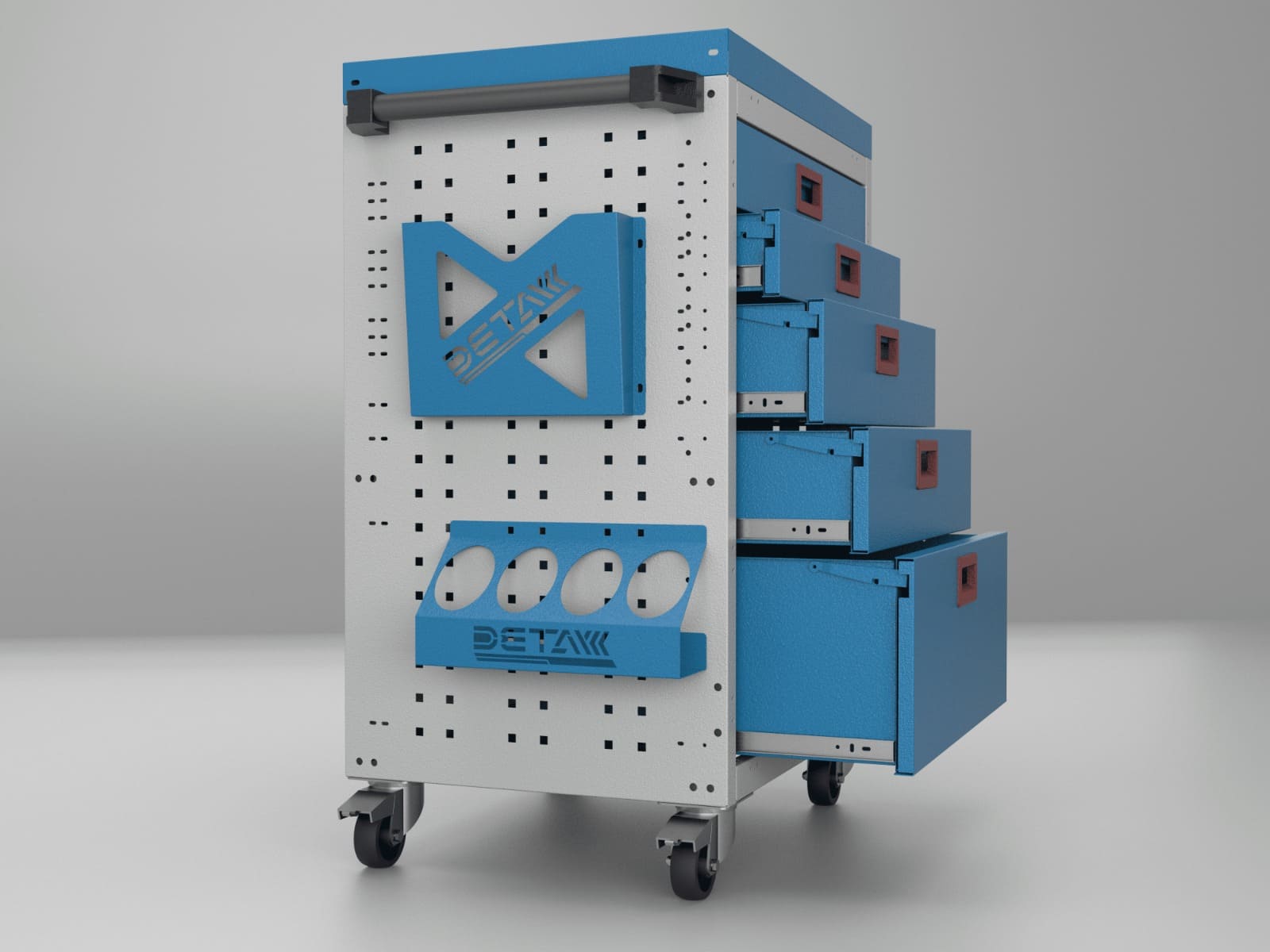
The right choice also depends on how disciplined the maintenance routine will be, because a filter that works well on the first day can become a resistance to airflow after weeks of dust loading. Differential pressure monitoring, temperature alarms, accessible filter locations, documented cleaning intervals, and spare filters can turn thermal management from an emergency response into a predictable routine. I have seen operators place a household fan beside an overheating cabinet, and although that reaction feels practical in the moment, it can push even more contaminated air toward openings and create an improvised system that nobody formally owns. A properly engineered solution by Detay Industry treats cooling, sealing, and service access as connected decisions rather than separate accessories.
Separate the Monitor, Computer, Keyboard, and Maintenance Zones
A protective cabinet works best when its internal arrangement reflects how each component is used. The monitor needs a clear and durable viewing window or a properly sealed display mounting arrangement, the computer needs protected ventilation or closed circuit cooling, the keyboard and mouse need an accessible compartment, and cables need managed routes that preserve the enclosure’s protective performance. Rittal describes industrial PC enclosure systems as secure accommodation for monitors, computers, and keyboards that protects components from humidity, dirt, temperature fluctuations, and unauthorized access, which captures the basic concept well, although every production process still requires its own dimensions and accessories. I usually divide the cabinet into a user zone, an electronic equipment zone, and a service zone, so the operator can interact with the system without opening the main electronics compartment during ordinary work.
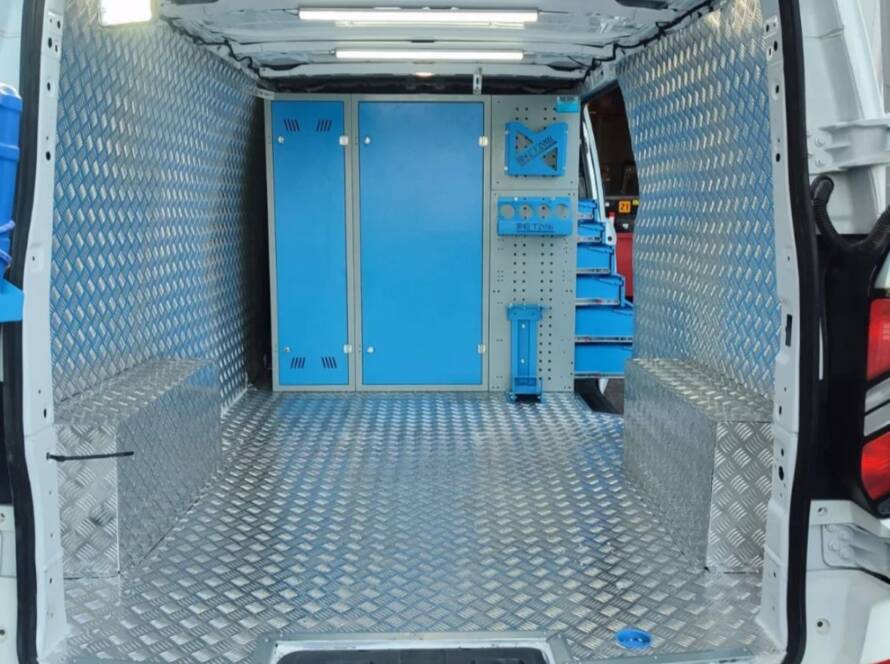
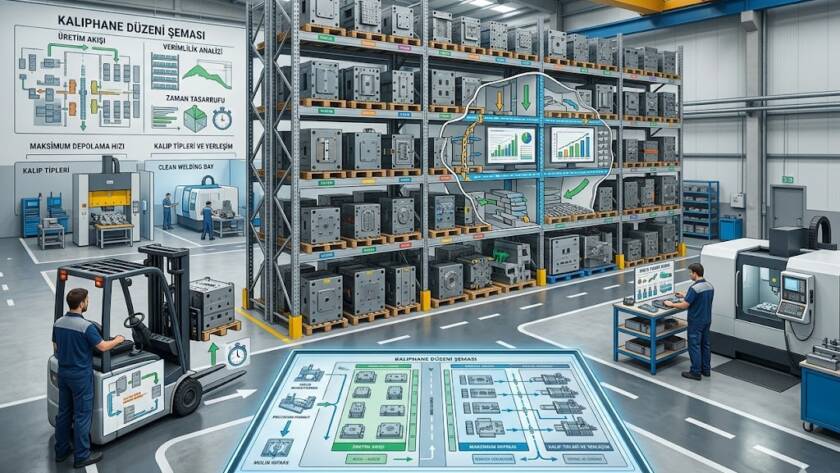
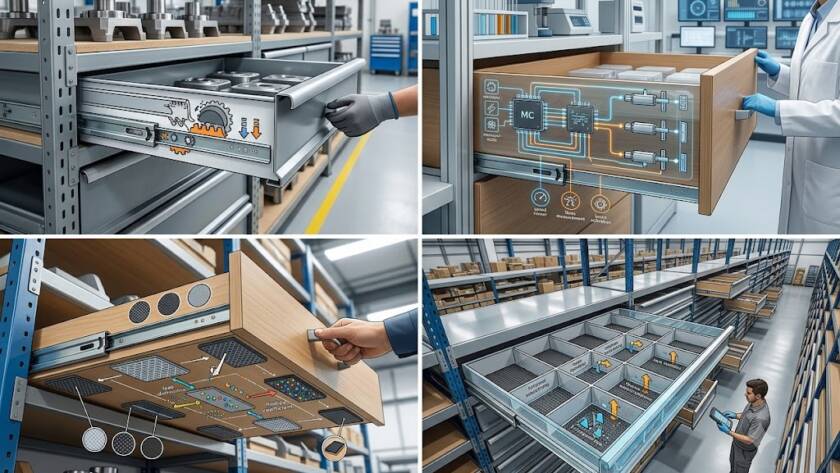
This separation reduces unnecessary exposure and also makes troubleshooting easier, especially when the computer, network switch, power distribution unit, cooling device, and cable terminals sit on organized mounting points. The same modular thinking used in a drawer rack system can help designers create removable trays, adjustable shelves, and accessible service spaces, while principles familiar from a mold rack remind us that load capacity, guided movement, locking, and maintenance access must be designed rather than assumed. Even when the stored equipment is electronic instead of mechanical, the cabinet should remain stable, serviceable, and easy to understand.
Design for the Person Standing in Front of the Screen
Protection loses value when the operator must bend, reach, twist, or stare through glare for an entire shift. OSHA’s computer workstation guidance recommends positioning the monitor directly in front of the user, placing the top line of the screen at or below eye level, and considering viewing distance, angle, clarity, keyboard placement, and glare as a connected workstation system. In a production environment, I also consider safety glasses, face shields, gloves, standing footwear, operator height variation, passing forklifts, nearby machine doors, and the amount of time spent entering data. The screen should remain readable under factory lighting, the keyboard tray should support a neutral posture, and doors or pull out sections should not extend into traffic routes. 👷♀️⌨️
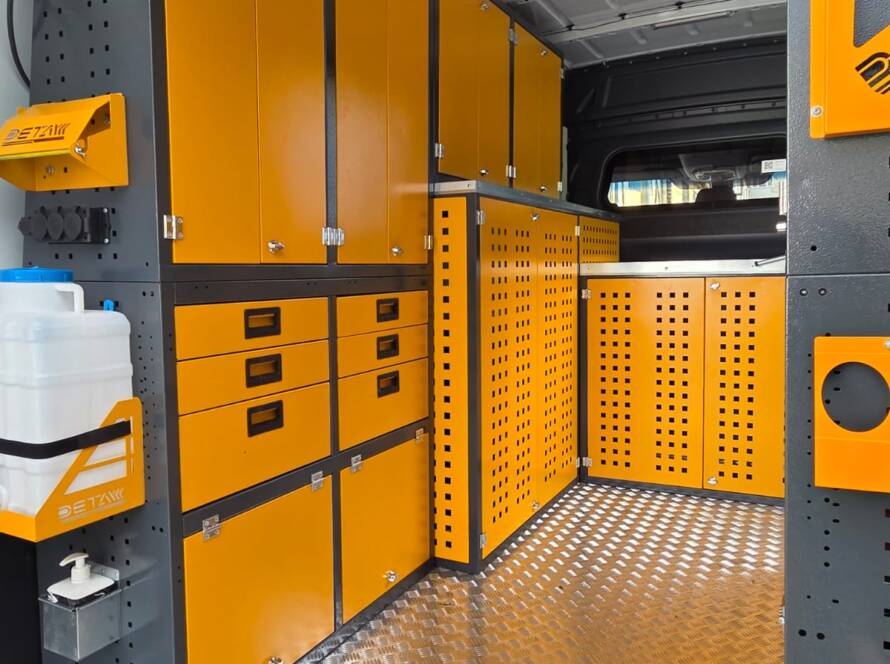
I often compare the ideal arrangement to a well designed industrial table, because both solutions should place the task in front of the user, create enough working clearance, and keep frequently used items within comfortable reach. When the computer cabinet sits beside a workbench, the two should share a logical height and workflow, allowing the operator to inspect a component, record a result, print a label, and return to the process without unnecessary steps. This is where a few centimetres can feel like a major difference after hundreds of repetitions.
Use the Right Materials and Construction Details
Material selection should consider corrosion, impact, cleaning chemicals, static concerns, surface durability, and the visual conditions of the workplace. Painted steel can provide a robust and economical solution in many indoor settings, while stainless steel may be preferred where corrosion resistance, hygiene, or frequent cleaning is important, and the final choice should follow the process environment rather than a general assumption that one material is always superior. Gaskets should remain continuous around doors, viewing panels should resist expected impact and cleaning agents, hinges should support repeated use, and locks should prevent unauthorized access without slowing legitimate maintenance. Cable glands and connectors should match the required protection level, and installers should avoid creating unsealed holes after delivery.
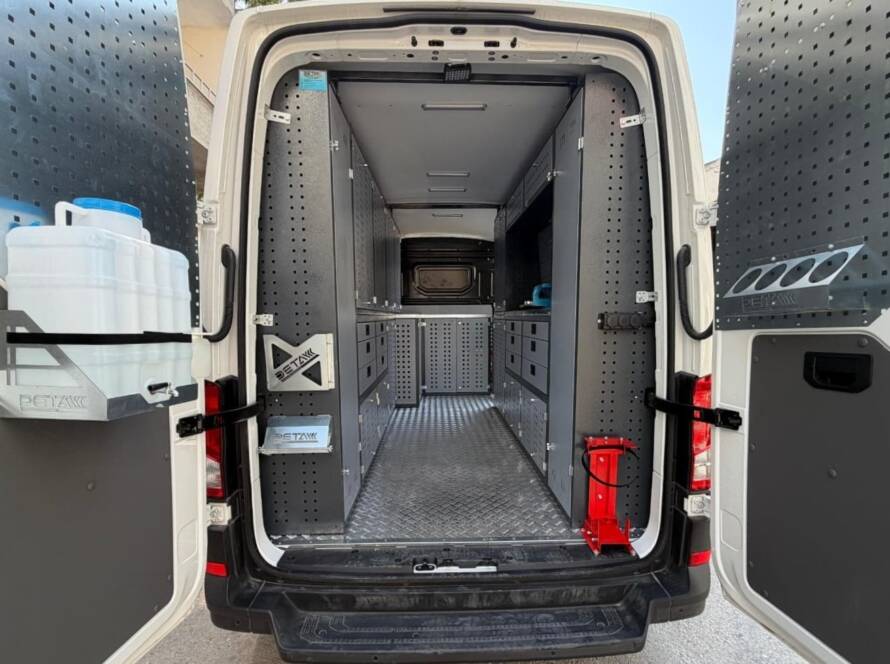
Internal shelves should support the actual equipment weight with a safety margin, and rails or pull out platforms should lock in the working and travel positions where movement could create a hazard. The engineering discipline used for a drawer mold rack or an injection rack provides a useful analogy, because both applications demand controlled loads, predictable movement, and dependable structural connections. In a busy mold shop, a computer cabinet may also need extra protection from metallic chips, oils, vibration, and accidental contact with tools or parts.
Do Not Confuse Dust Resistance with Hazardous Location Approval
This point deserves special attention because ordinary production dust and combustible dust do not create the same safety problem. OSHA defines combustible dust as a combustible particulate solid that can present a fire or deflagration hazard when suspended in air under certain conditions, and its hazardous location rules require electrical equipment in classified areas to be intrinsically safe, approved for the location, or otherwise demonstrated safe for that location. A cabinet that keeps ordinary dust away from a computer does not automatically make a standard computer suitable for a combustible dust classified zone, and the correct solution may require a formal dust hazard analysis, area classification, approved equipment, ignition control, grounding, bonding, ventilation, segregation, or relocation of the computer outside the hazardous area. ⚠️
I always advise involving a qualified electrical engineer, occupational safety professional, and the relevant authority when combustible metal, wood, grain, plastic, chemical, carbonaceous, or other potentially explosible dust is present. Sometimes the best answer is not a stronger cabinet inside the hazard zone, but a remote monitor, sealed interface, approved terminal, or workstation located beyond the classified boundary. This is a good example of EEAT in practice: expertise means recognizing when a familiar product category has reached the limit of what it can safely solve.
A Practical Example from a Dusty Cutting Area
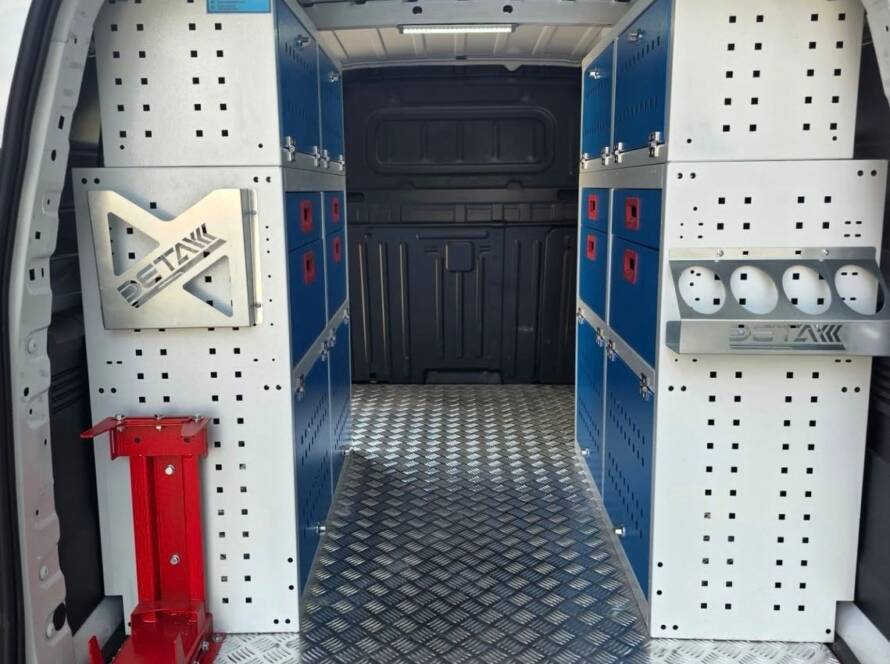
Imagine a panel cutting facility where operators use a desktop computer and monitor to open job files, enter measurements, and print identification labels. Fine dust settles across the area, ambient temperature rises during summer shifts, and operators wear gloves for much of the day. I would first confirm whether the dust is merely a contamination issue or a combustible dust concern, then record maximum temperature, cleaning method, equipment heat output, network connections, screen size, and operator heights. The proposed cabinet would place the monitor behind a clear protected viewing section, provide a separate accessible keyboard drawer, isolate the main computer compartment, use sealed cable entries, and include a thermal management method selected from the heat calculation rather than from guesswork.
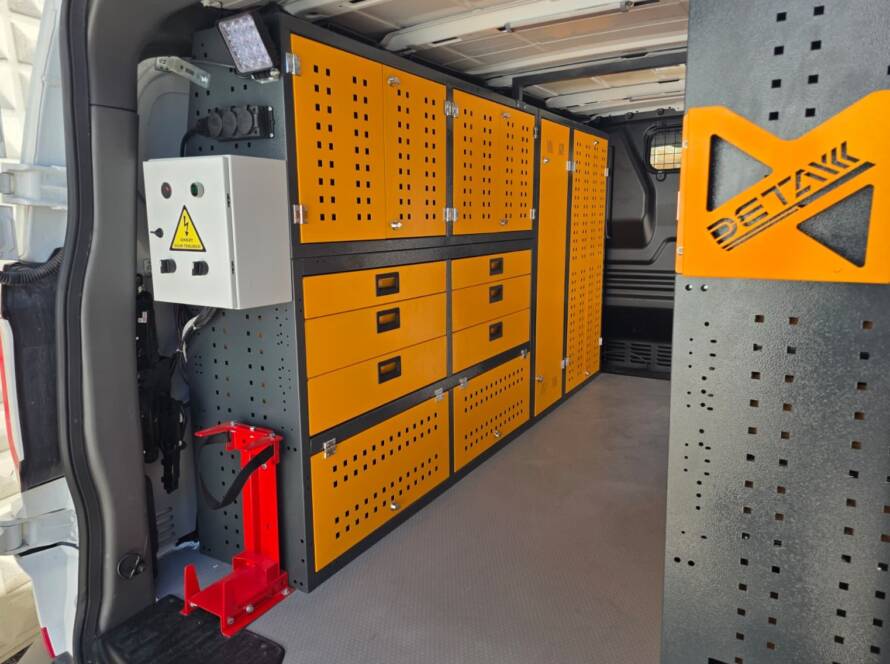
I would also position the screen outside the direct glare path, keep the keyboard at a comfortable standing height, provide enough front clearance for gloved operation, and locate the printer or scanner where paper dust and process debris do not immediately enter it. A nearby drawer could hold labels, cleaning materials, and approved accessories, while the electronics compartment would remain locked and accessible only to maintenance staff. The wider workstation might also connect with an in-vehicle cabinet style modular compartment concept or adaptable in-vehicle equipment mounting logic, not because the cabinet is used in a vehicle, but because modular separation, secure retention, and efficient use of limited space remain valuable design principles. After installation, I would schedule temperature checks, gasket inspections, filter maintenance, cable checks, and operator feedback reviews. This staged approach is how Detay Industry can transform a metal enclosure into a dependable production workstation rather than a simple box around a computer.
Plan Maintenance Before the Cabinet Enters Production
A protective cabinet should include a written maintenance plan covering gasket condition, door alignment, cooling performance, filter replacement or cleaning, temperature alarms, fan operation, condensation signs, cable gland tightness, window clarity, lock function, and internal dust inspection. I prefer recording an initial temperature baseline during normal production, because future measurements then reveal whether filters are blocking, heat load has increased, or cooling performance has declined. Operators should know which surfaces they may clean, which products they may use, and when they must report unusual heat, noise, condensation, or dust ingress. Maintenance teams should also keep a controlled list of cabinet modifications, because one unsealed cable hole can quietly undo the protection achieved by the original design. A maintenance plan developed with Detay Industry can assign responsibilities clearly and help the cabinet retain its intended performance throughout daily production.
Conclusion
An industrial computer cabinet in a dusty production area must do much more than hide a computer behind a door, because it must control contamination, release heat safely, preserve visibility, support comfortable operation, simplify maintenance, protect cables, resist daily impact, and fit the safety classification of the workplace. The strongest projects begin with evidence from the actual environment, continue with the correct enclosure and thermal calculations, and remain effective through inspection and maintenance. 😊 I see the cabinet as a calm room built inside a busy factory, a protected space where digital systems can keep working while production moves, dust circulates, and operators make hundreds of decisions around them. With a site specific design approach, suitable materials, thoughtful ergonomics, and responsible safety evaluation, Detay Industry can help manufacturers build computer and monitor protection systems that support reliable production, clearer workflows, and longer equipment service life.